
Where the Ruler Stops
Back to the after-round ledger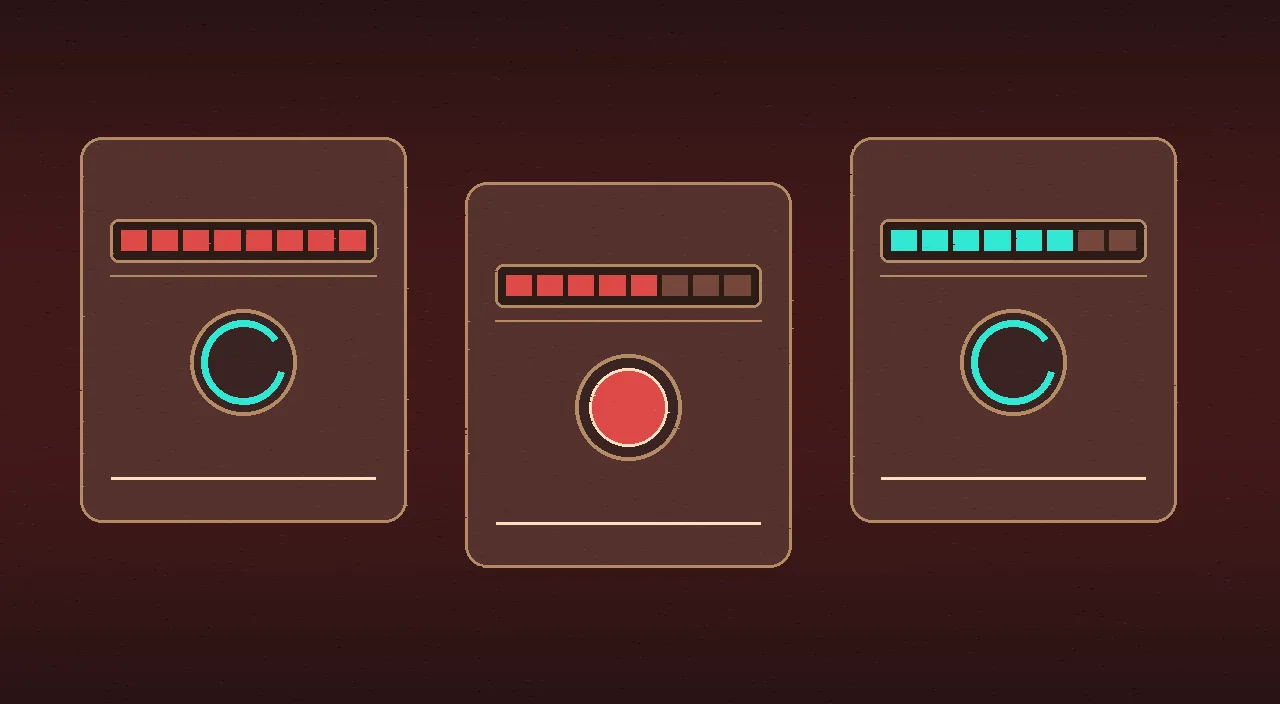
A cursor on a timeline can look like an event. In our first practice proof it was thick and bright. When somebody moved to a new place the previously accepted mark looked almost as important as the newly selected one. At one point they were close enough to join. A viewer trying to read the outcome had to guess which mark meant the current frame and which one belonged to a recorded action.
Use a little empty space between jobs
The revised ruler uses an outline for the selected frame. Its cursor can move when a person scrubs or uses a keyboard. The historical mark occupies a smaller row beneath it and stays attached to the point the game recorded. A short line names both. The same scene can show preparatory, accepted, and resolved conditions. The reader’s own selection is useful for viewing those states. It does not get a spot in the historical record. A caption takes care of that distinction when the graphic line has too little room for more symbols.
The opening example steps through three preserved states. The first identifies the charged meter. The next identifies where the opposing escape was spent. The last holds the recorded action and result. Opening the replay after a note should keep whatever frame its link names. If a viewer opens it without context, begin at the selected result and offer an earlier step. That makes the path to the reason clear without showing the whole time strip at once.
Avoid unexplained jumps in the compact view
Screen width can compress two selections into a space too small for accurate pointer work. The slider still lets someone jump to an approximate place. Present a second method for stepping to a known frame. Show its label as text near the left and right controls. This closes the gap between aiming at a small mark and reaching an intended point by keyboard. The active border can update immediately. The replay need not sweep through intervening frames if a person prefers movement reduced.
A static print of the same screen can place the current selection above the archived marks. The timeline is useful only if a person can see which parts remain true after the selection moves. Reuse the names for those positions on the printed result. People reading from a thumbnail can then find the mark again after they open the case. A compact version should maintain the chronological order even when the picture and timeline stack rather than sitting on the same line.
Test the return trip from a result
Give a reader a link to the confirmation frame, ask them to move back to the ready meter, and then ask them to return to the confirmation. Use a separate label for the result of each virtual turn. If the viewer cannot find the same record after opening a development note, check how the original frame is named. It may be possible to refer to a fragment in the replay instead of asking for a precisely timed click. If they find the right frame yet describe its condition incorrectly, place the earlier mark where it can be read next to the newer one.
The next pass pairs an ordinary motion sequence with a fixed-frame view. Both use the same descriptive names and can be navigated in the same order. A visual transition can show how a player moves through the room. It should leave the transcript of the recorded round in place. That gives the trial room to concentrate on how someone returns to evidence instead of showing off another effect. When the labels work at a smaller size, bring the same structure into the more detailed illustration.
Charge Replay is the practice prototype, and Full Does Not Mean Finished discusses one of the conditions that survives on the ruler. Both examples use a fictional game history and make the cursor an aid for reading it.